Custom screen designer
Drag and drop text, images, shapes, a clock, the date and live weather on a 1920×1080 canvas, with snapping, undo and templates.
Learn more about custom screen designerPOMP gives you a complete signage platform in one browser tab: design screens, schedule them, and manage every display, from one TV in a café to hundreds across a campus.
Everything you need to fill a screen, from a single poster to a live data wall.
Drag and drop text, images, shapes, a clock, the date and live weather on a 1920×1080 canvas, with snapping, undo and templates.
Learn more about custom screen designerEvery design is JSON underneath. Edit it directly, or build layouts in your own tools and paste them in.
Design in Canva and send the result straight to your media library.
Learn more about canva integrationShow Google Slides, Docs and Sheets, PowerPoint, Word, Excel and PDF files. Each page becomes a slide on the screen, for as long as you choose.
Pick a file from Google Drive, or paste a share link, and screens pick up your edits automatically within about 15 minutes. POMP only sees the files you choose.
Paste a YouTube video, playlist or channel, or a Vimeo link. Videos play muted and full screen, and Apple TV shows a card with a QR code to watch.
Upload images and video once and reuse them across every playlist. Sort, search and track your storage.
Weather, news, Google Calendar, iCal, KAMAR, RSS and web pages, all refreshed automatically.
Learn more about live integrationsSet brand colours and a gradient or solid background once. Built-in news and calendar screens use them automatically.
Run a message along the bottom of every screen in a playlist.
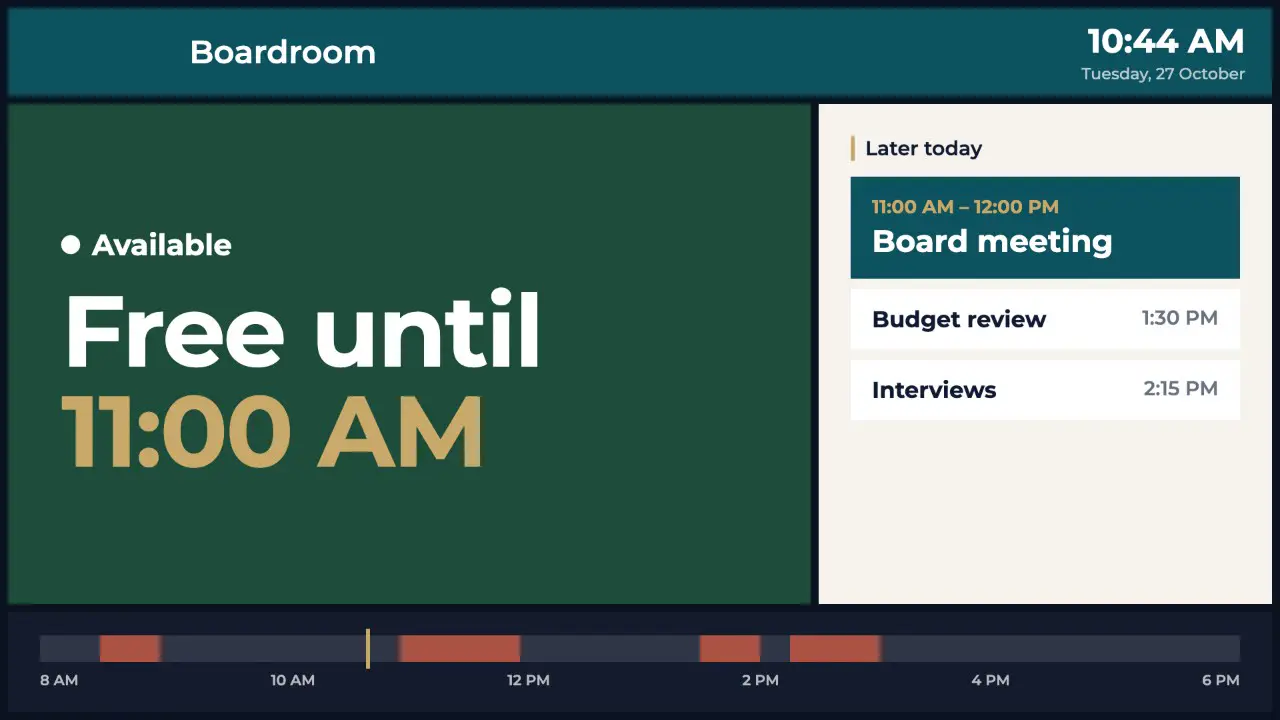
Menus, fundraisers, calendars, room signs, notices, news and weather, laid out for you in your brand colours with gentle motion.
Learn more about ready-made screen designsAdd products with prices, photos and dietary tags, mark items sold out in a click and feature a special.
Learn more about menu boardsShow a Raised campaign's total, progress bar, supporters and a QR code to give, updating live.
Learn more about raised fundraisersClocks, countdowns, totals and progress bars update on the screen itself, between check-ins.
Fade, slide or zoom any element in the designer, stagger them, or add a gentle pulse, float or slow photo zoom.
Drop a ticker anywhere on a design and set its speed, for prices, notices or a welcome message.
Count down the days, hours, minutes and seconds to an event, live on the screen.
Add a QR code to any design and point it at a link. It's drawn sharp at any size.
Paste a Lottie animation link to add smooth, lightweight motion graphics to a design.
Point a list at any JSON feed and lay out one item once. The screen fills in every item and keeps it up to date.
Make any element a button: tap it on a touch screen, click it on the web player or select it with a TV remote to go to the next, previous or a chosen slide.
Describe what you need and let AI design it, write it, translate it or schedule it. Everything it makes stays editable.
“Sausage sizzle in the quad on Friday at 12:30, $3, raising money for the Year 8 camp”
“Countdown to senior prizegiving in the school hall at 7pm”
“Welcome screen for a dental clinic waiting room with the time”
“Library book fair all week, 8:15 to 3:30, books from $5”
“Our café's coffee specials with a QR code to order ahead”
“Staff morning tea in the Level 2 kitchen at 10:30”
Describe a screen and get two finished designs: a bold graphic and one on an AI photo background.
Learn more about ai screen designsTwo fresh looks for any design, or change it by saying what you want, with undo.
Learn more about restyle and editShorten, punch up or fix spelling on any text, or translate it into te reo Māori, Samoan, Tongan, Chinese, Hindi, Spanish or French.
Learn more about copy and translatePaste your website or upload your logo and POMP pulls out your brand colours for every AI design.
Learn more about brand kitFlags text that's too small, low contrast, overflowing or too long to read in time. Free.
Learn more about readability checkDescribe a picture and get two options in the style and shape you choose. Save the one you like.
Learn more about ai imagesPOMP describes your images in a sentence and tags them, so the media library is easy to search.
Learn more about alt text and tagsDescribe what a screen is for and POMP plans a playlist: clock, weather, headlines, messages and up to 3 AI designs.
Learn more about playlist builderType "weekdays 11–2" or "Fridays until end of term" and POMP sets the schedule.
Learn more about plain-english schedulesTurn a PDF or other document, such as a newsletter or report, into up to 5 clear, readable slides.
Learn more about document to slidesPaste a price list and POMP fills in a menu board's categories, items and prices.
Learn more about menu from a price listShortens long social captions to 140 characters for the screen and drops posts that aren't suitable.
Learn more about social caption tidyDecide exactly what plays, in what order and when.
Order screens, set durations, nickname them and see the total runtime. Duplicate a playlist to start a variation.
Show a screen only on certain days and hours, or only between two dates. Breakfast menu at 7am, lunch at 11.
Turn on sync and every TV on a playlist changes slide at the same moment, so a row of screens or a menu across three TVs stays in step. No extra hardware or network setup.
Learn more about synced screensDrop one playlist inside another to share common content across locations.
Learn more about nested playlistsSet the orientation per screen. Preview your playlist in either orientation before it goes live.
From one TV to hundreds across a campus or region.
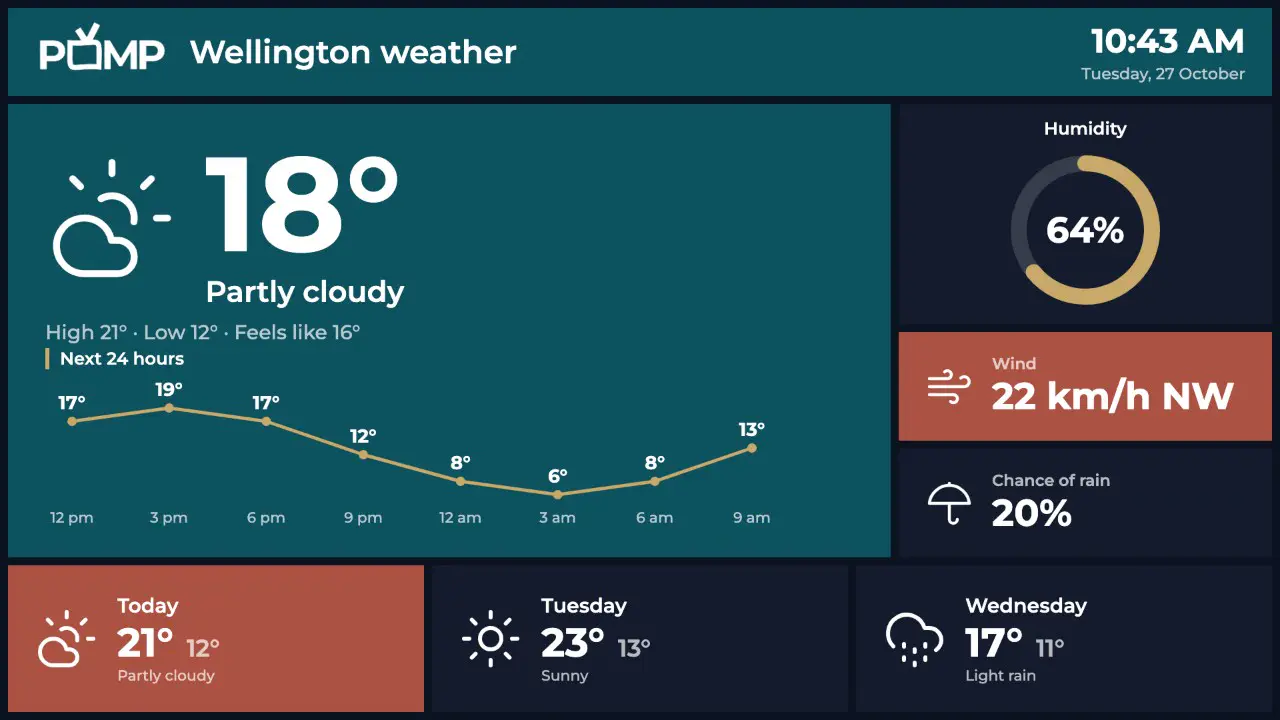
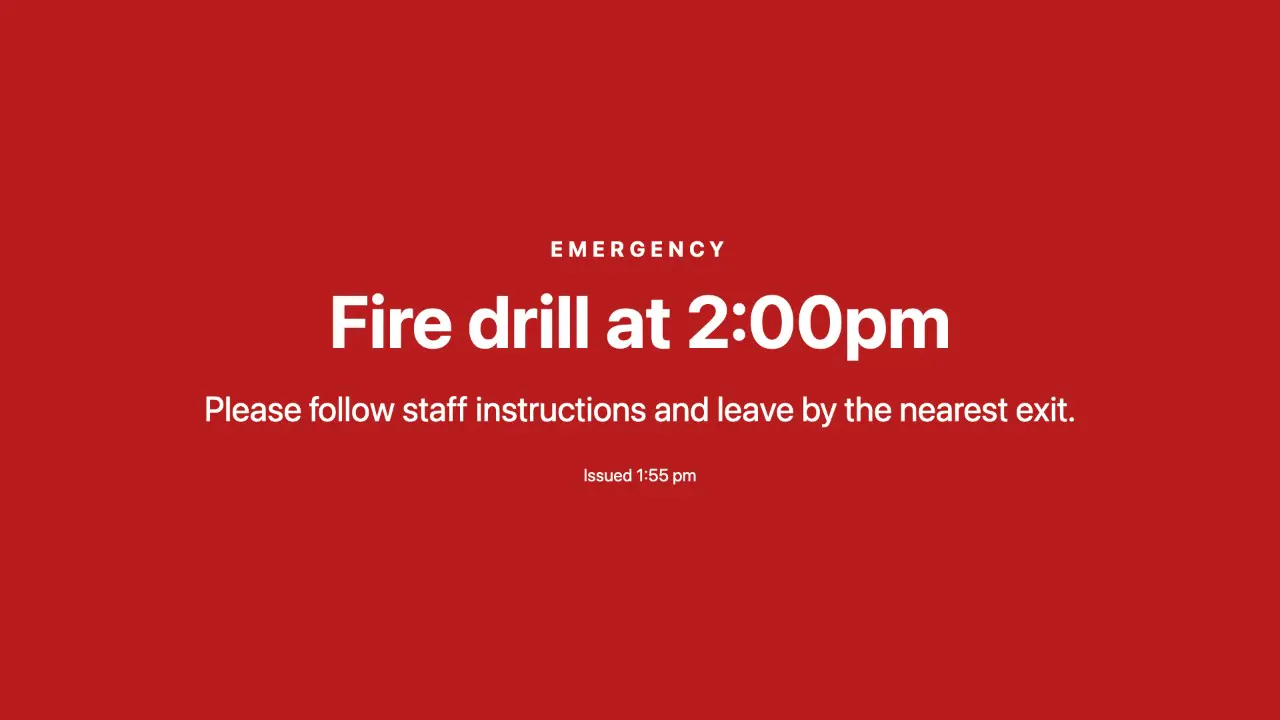
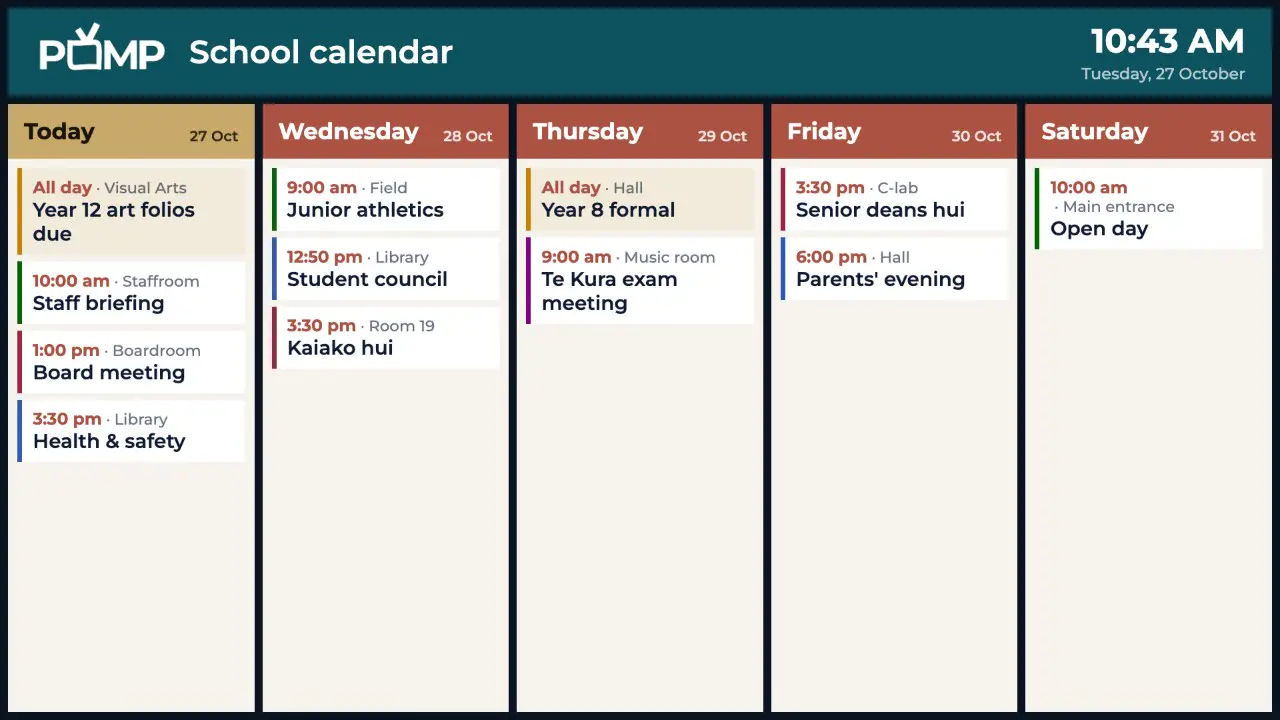
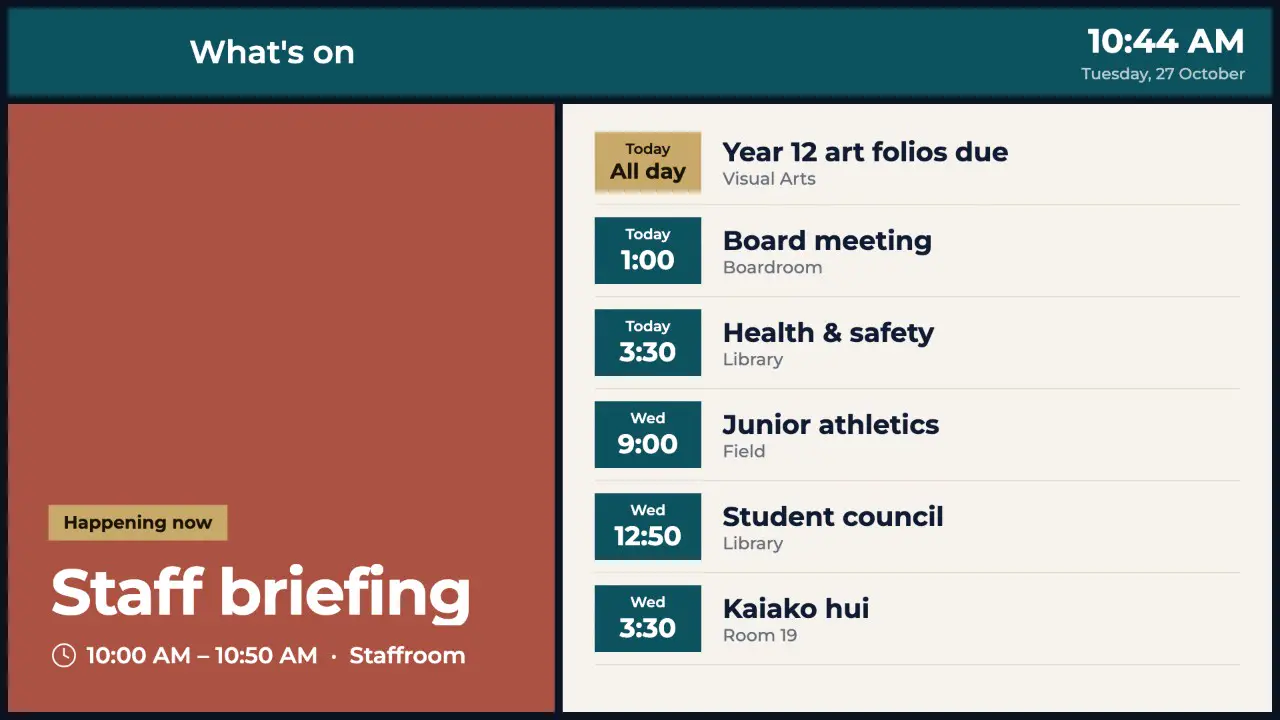
Install the app, type the code it shows into the dashboard, done. Or open the web player on any browser.
Learn more about pair in secondsPush POMP to a fleet of Apple TVs, iPads or Android devices with Jamf, Intune, Mosyle or any MDM. Screens enrol themselves.
Learn more about mass deployment with mdmTag screens by site, floor or purpose, then assign a playlist to a whole group in one click.
Reload a screen or clear its cache from the dashboard without touching the device.
Get an email when a screen has been offline for 15 minutes, so you can fix it before anyone notices.
Learn more about offline alertsTake over every screen with an urgent message in seconds, for a set time, then go back to normal automatically.
Media is cached on each device, so screens keep playing through internet outages.
See each screen's status, last check-in, player version, cache size, free disk space and uptime.
Learn more about device healthScan the QR code on a new screen to open the dashboard with its pairing code already filled in.
Not sure which TV is which? Show a full-screen label with its name, model and playlist from the dashboard.
Preview a playlist in the dashboard and pause, skip or jump to any screen to check it.
If a TV crops the edges of the picture, set a margin for that screen so everything fits.
See exactly what a screen is showing right now, from the dashboard, wherever it is.
Learn more about remote screenshotsBlack out screens overnight and at weekends on a schedule. An emergency broadcast still wakes them.
Learn more about sleep scheduleSee what every screen actually played, how often and for how long, and export it as a CSV for sponsors or advertisers.
Learn more about proof of playAsk a screen for its recent logs and device details, then view or download them to sort out problems quickly.
Learn more about remote diagnosticsSpread one picture across a grid of up to 6×6 TVs. Give each TV its position and they play in step.
Learn more about video wallsConnect Claude or ChatGPT to your account, then ask in plain English to update a menu, change a playlist, reload a screen or send a broadcast.
Learn more about ai assistant connectorScreen designs, the designer, AI, mass deployment, integrations and solutions each have their own page with the details.
The Free plan is free forever. No card, no contract, no special hardware.