Nested playlists on your screens.
Add a whole playlist as a single screen in another playlist. Keep shared content, such as health and safety slides or brand videos, in one place and reuse it everywhere.
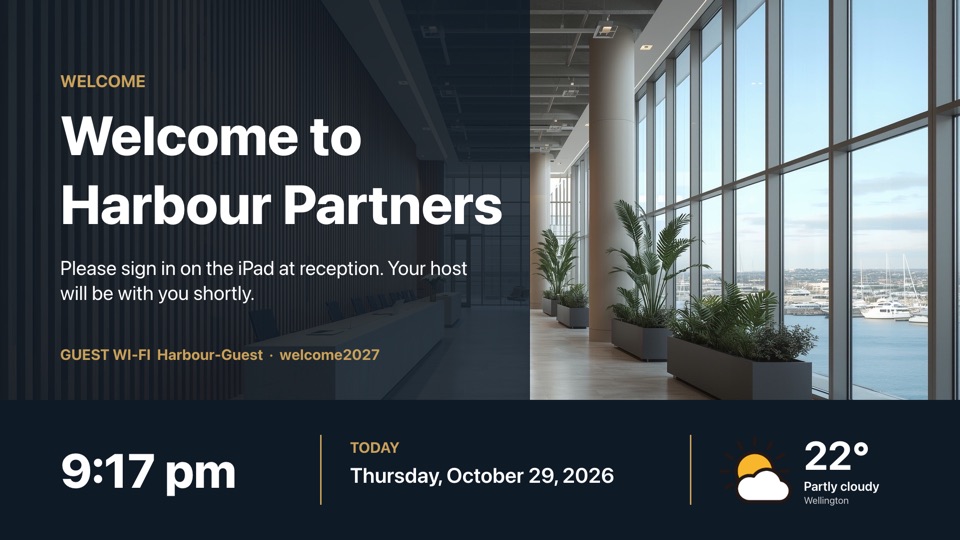
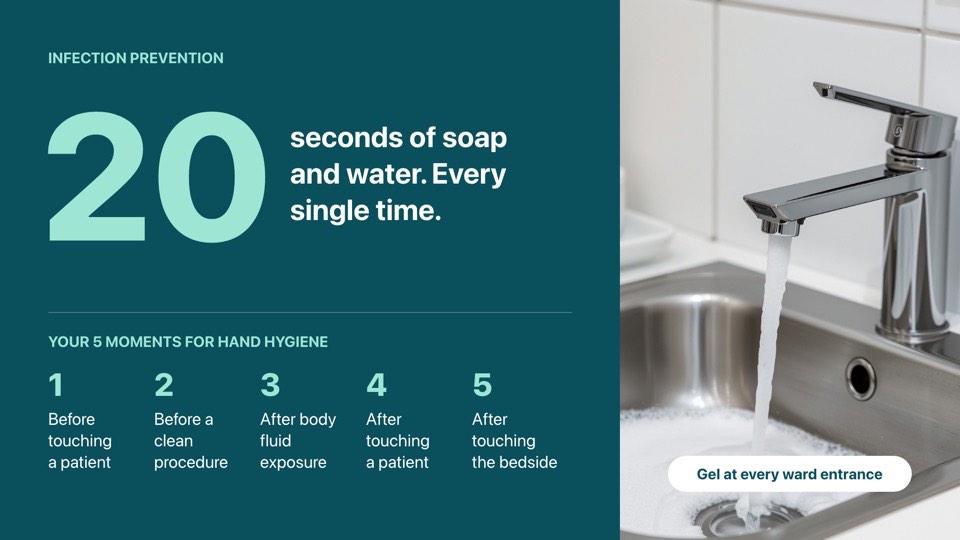
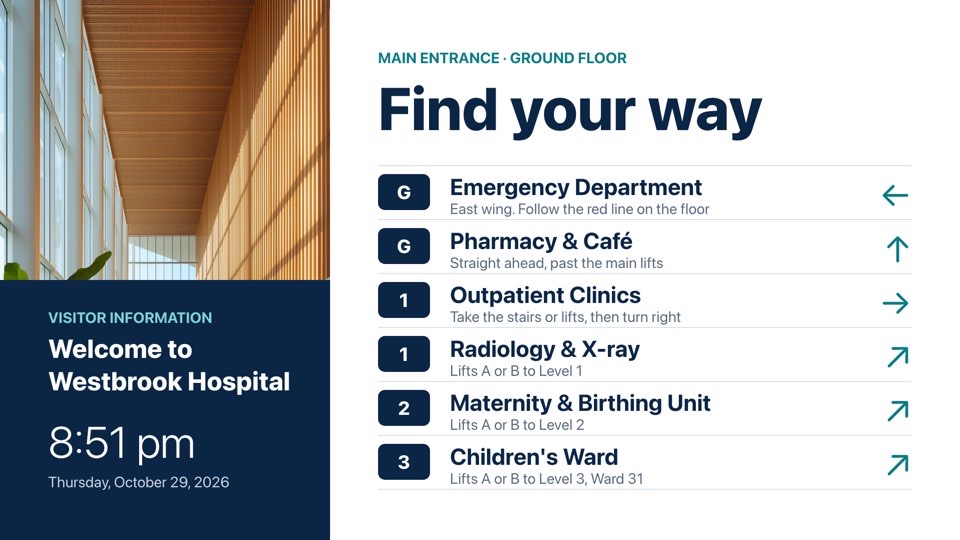
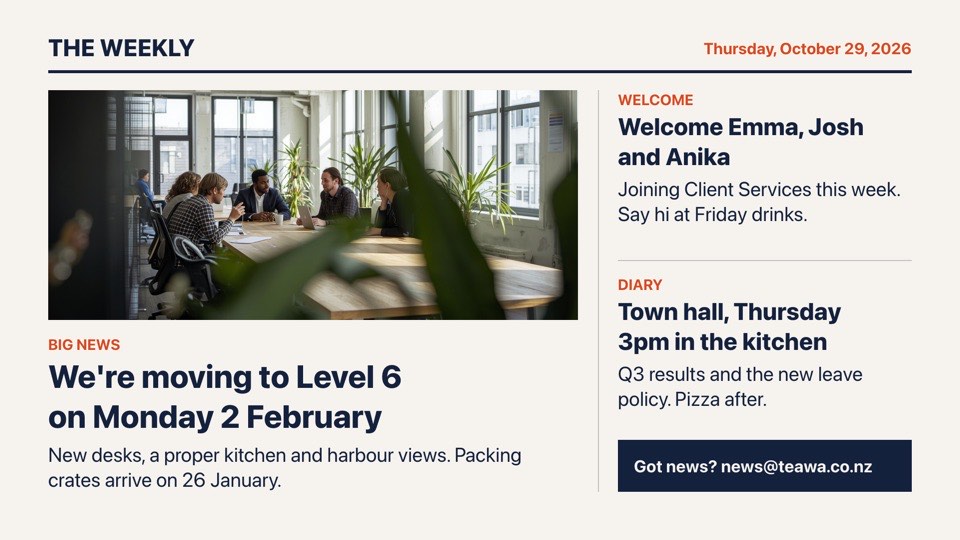
- 1Welcome
- 2Health and safetyPlaylist · 2 slides
- Hand hygiene
- Find your way
- 3Team news
Edit Health and safety once and every playlist that uses it updates.
Amazon Fire TV, Samsung and LG apps are coming soon.
How it works
As you add screens and locations, the same content ends up in lots of places: health and safety slides, a brand video, the sponsor rotation, this month's promotion. Nested playlists let you keep each of those in its own playlist and drop it into others as a single Playlist screen.
When the player reaches a Playlist screen, it plays every screen from the included playlist in order, each with its own duration, then carries on with the outer playlist. Schedule rules on the Playlist screen apply to the whole block, so you can switch on a Christmas block for December across every site with one change.
POMP works out the nesting on the server, up to five levels deep, and refuses any arrangement where a playlist would end up including itself. Players simply receive a flat list of screens, so nesting works on every device, old and new.
What you get
- The nested screens play in order with their own durations.
- Schedule rules on the nested screen apply to everything inside it.
- Loop protection stops playlists from including each other forever.
Set it up
- 1Add a Playlist screen.
- 2Pick the playlist to include.
Great for
- Shared brand content across sites
- Department playlists with a common header
- Seasonal blocks
Multi-site businesses
One brand playlist shared by every store, with each store adding its own local specials around it.
Retail templatesSchools with several screens
A shared school-wide block of notices and events inside separate staffroom, foyer and library playlists.
POMP for schoolsSponsor rotations
Keep sponsor slides in one playlist and include it everywhere in the clubrooms so every sponsor gets fair play.
Sports club templates
Nested playlists questions
How deep can playlists be nested?
Up to five levels. POMP also stops a playlist from including itself, directly or through another playlist, so a loop can never form.
If I edit the nested playlist, do other playlists update?
Yes. That's the point of nesting. Change the shared playlist once and every playlist that includes it shows the new content at the next check-in.
Do schedules still work inside a nested playlist?
Yes. Screens inside keep their own durations and schedules, and any schedule on the Playlist screen itself applies to everything inside it, which makes it easy to switch a whole block on for a season.
Which plans can use nested playlists?
Nesting is on every plan, but it needs at least two playlists. Pro includes 3 and Advanced includes 50; Free and Basic include one.
Which devices support nested playlists?
Nesting happens on the server before content reaches the screen, so every player handles it. It works on every POMP player: Apple TV, Android TV and Google TV devices, iPad, and any modern web browser at player.pompsignage.com, which covers PCs, kiosks and most smart TVs with a browser. Native apps for Amazon Fire TV, Samsung and LG smart TVs are coming soon.
Put your first screen live in minutes.
The Free plan is free forever. No card, no contract, no special hardware.