Free digital signage templates for community centres, halls and clubs.
Community digital signage templates for community centres, halls, clubs and groups: what's on, room hire, notices, opening hours and volunteer calls.
- Free on every plan, including the Free plan
- No watermark
- No credit card needed
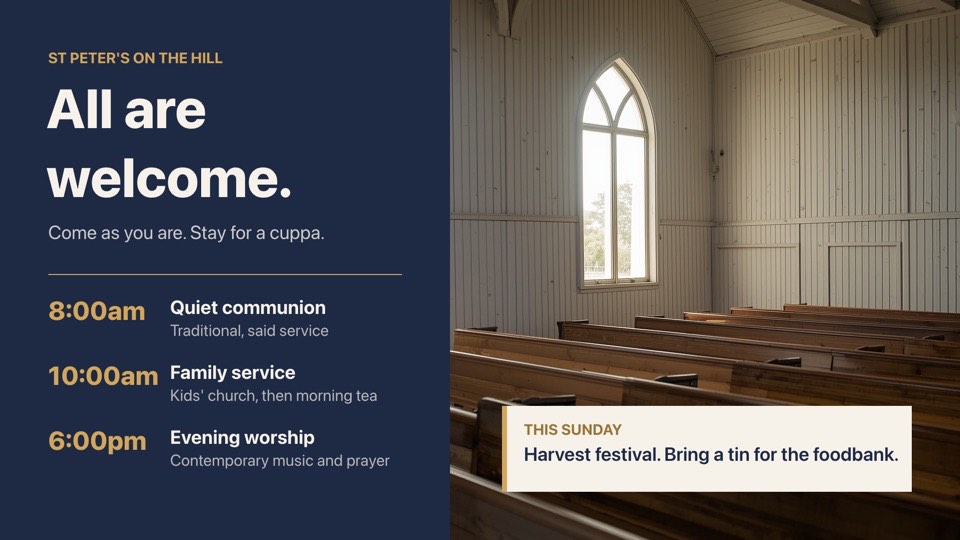
Community centres and clubs templates
- Sunday service timesWarm church welcome with Sunday service times and this week's noteFreelandscape
 Market day posterBold community market poster with date tab, times and stall listFreeportrait
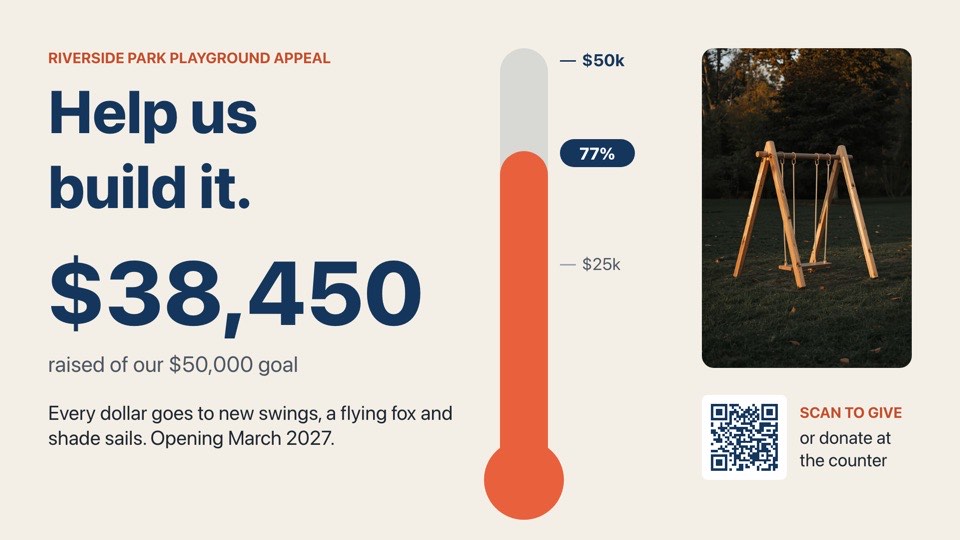 Fundraiser progressCharity appeal with a thermometer progress bar and donate QRFreelandscape
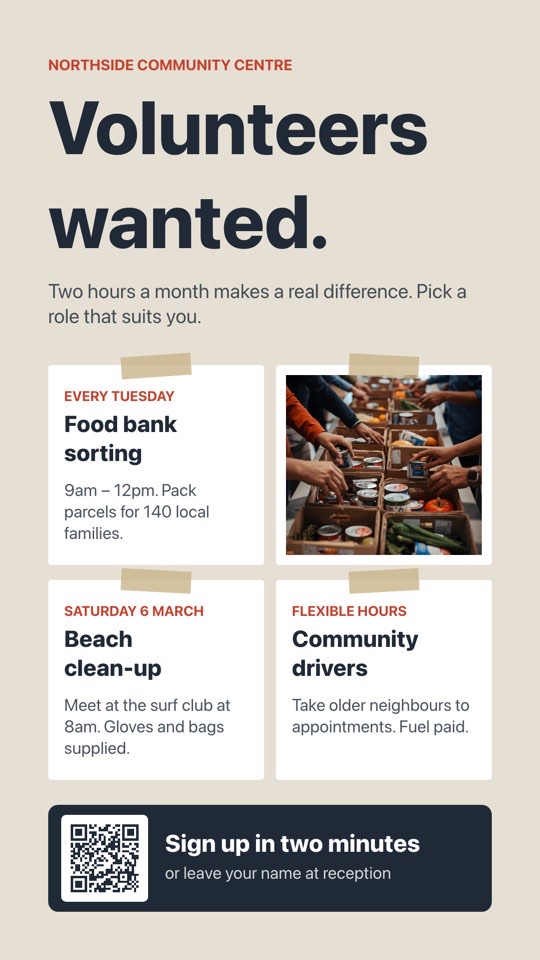 Volunteers wantedNotice-board style call for volunteers with roles and sign-up QRFreeportrait
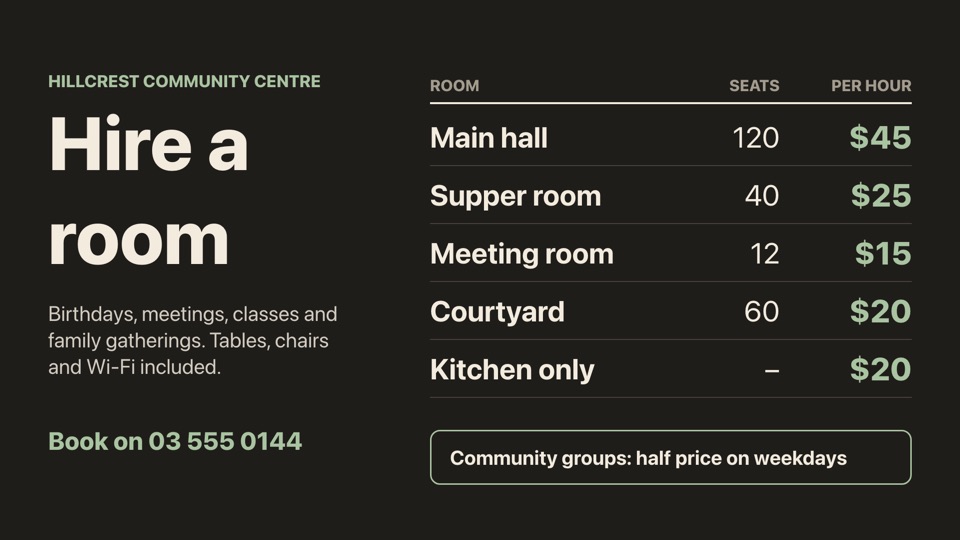 Room hire ratesHire rates table with room, seats and hourly priceFreelandscape
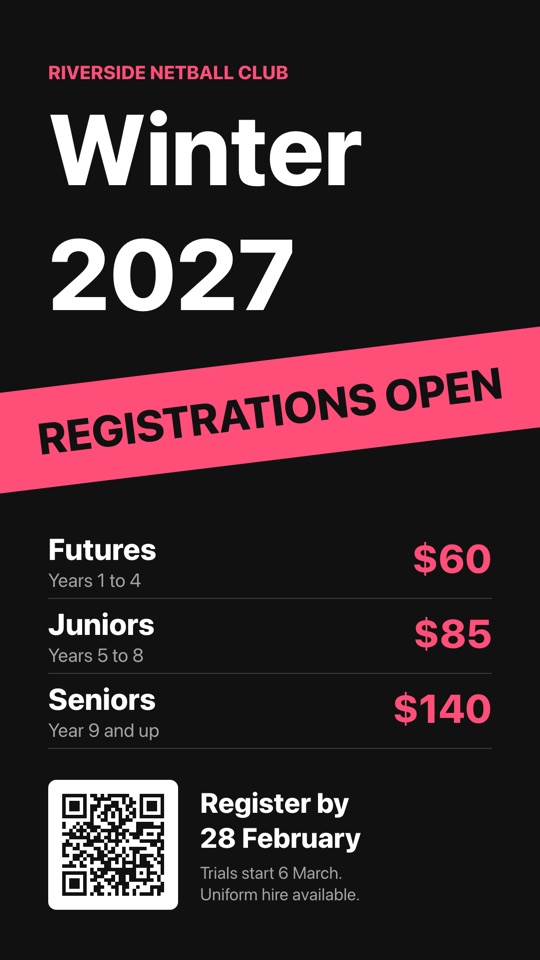 Club registrationsSports club sign-ups with a slanted banner, fees and QRFreeportrait
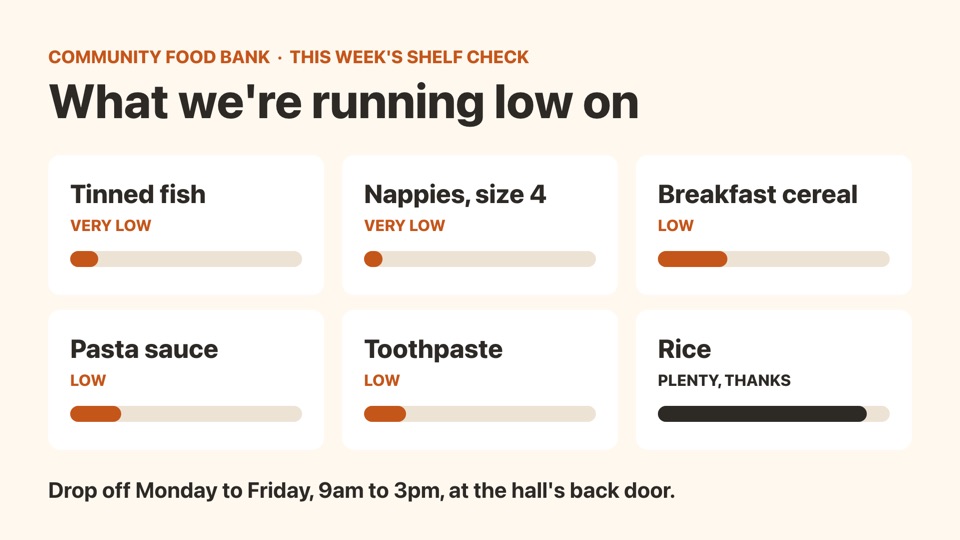 Food bank shelf checkSix stock-level bars showing what the food bank needs mostFreelandscape
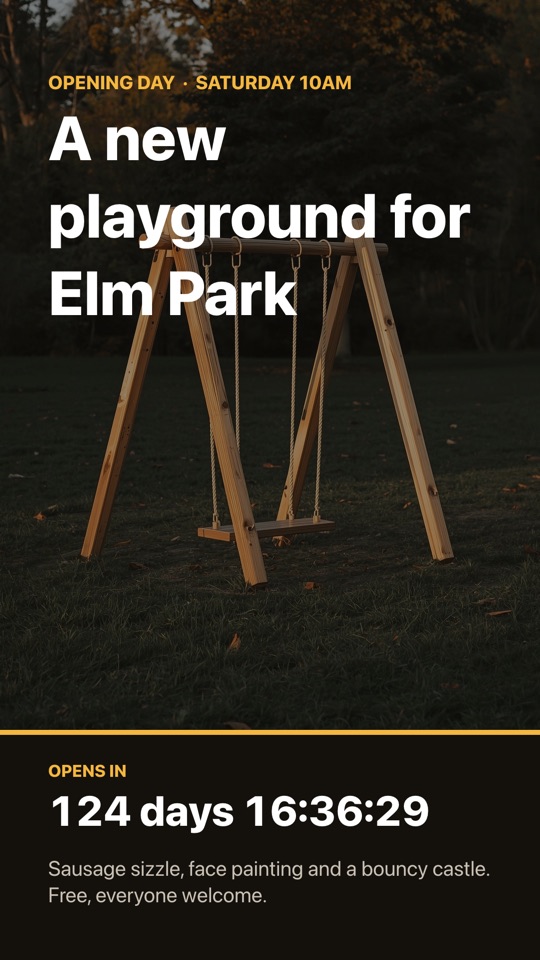 Playground openingDusk playground photo with a live countdown to opening dayFreeportrait
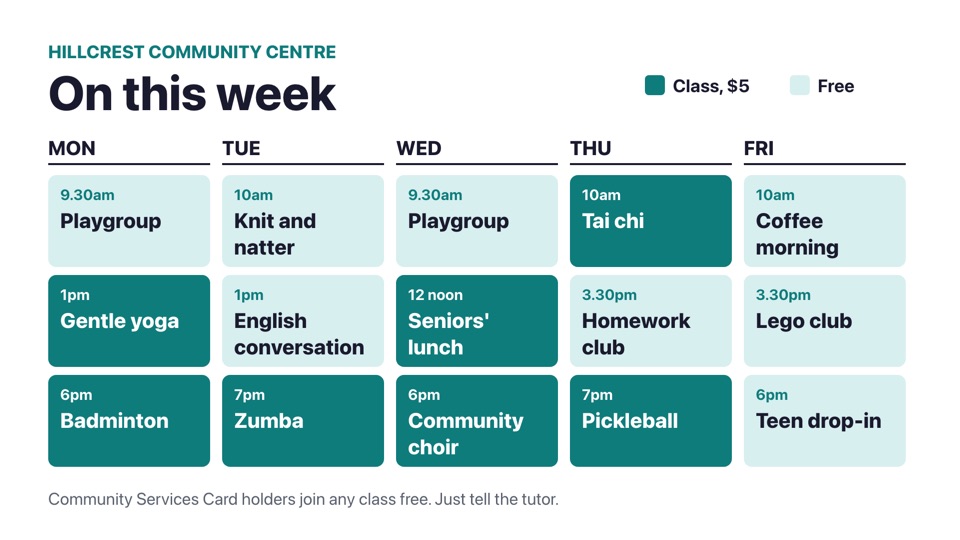 Community centre weekMonday to Friday timetable grid of classes and free drop-insFreelandscape
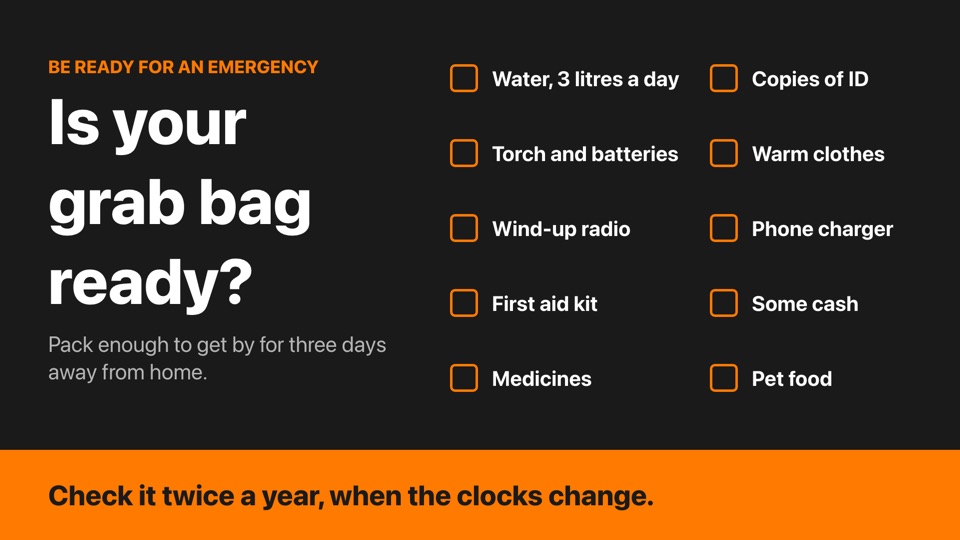 Emergency grab bagTen-item emergency grab bag checklist with tick boxesFreelandscape
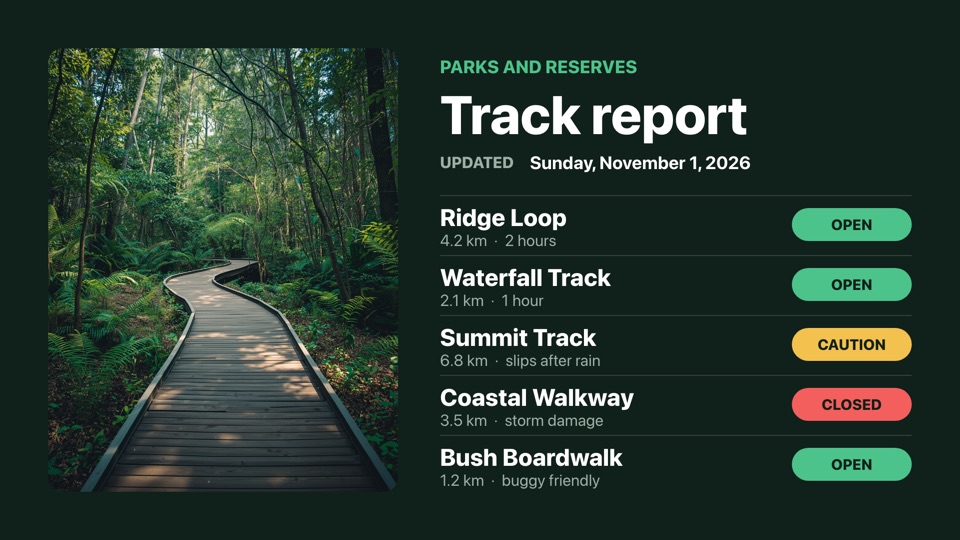 Walking track reportOpen, caution and closed status for local walking tracksFreelandscape
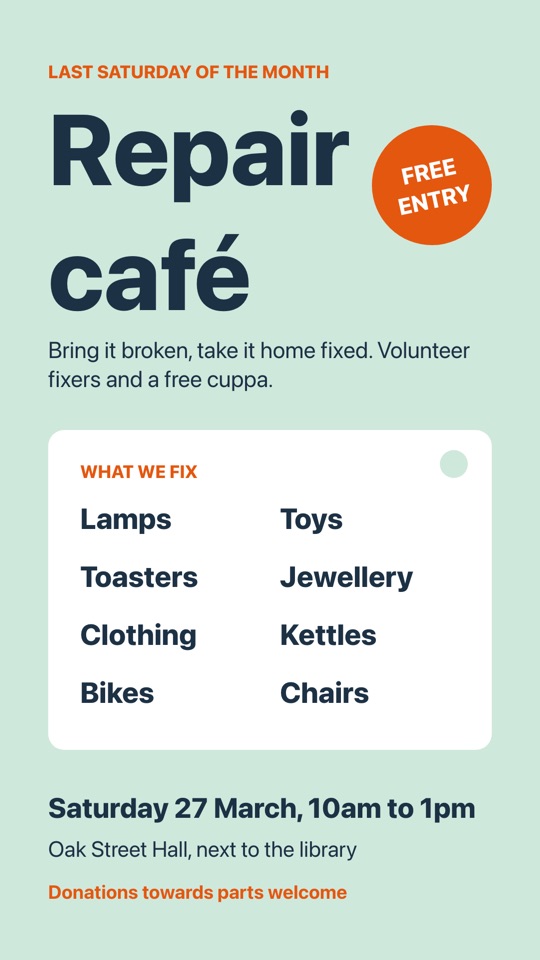 Repair caféMonthly repair café poster with a what-we-fix tag and stickerFreeportrait
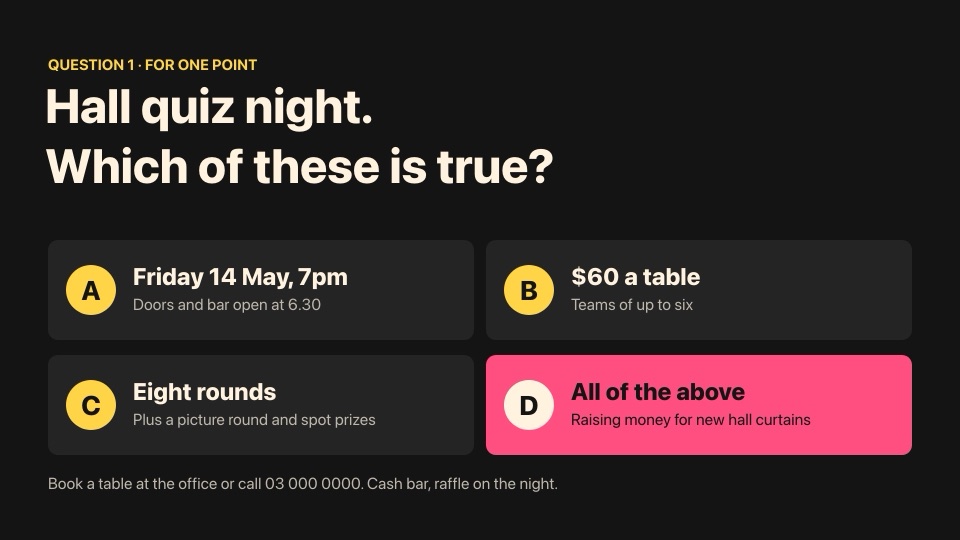 Quiz night fundraiserFundraising quiz night as a multiple-choice question, A to DFreelandscape
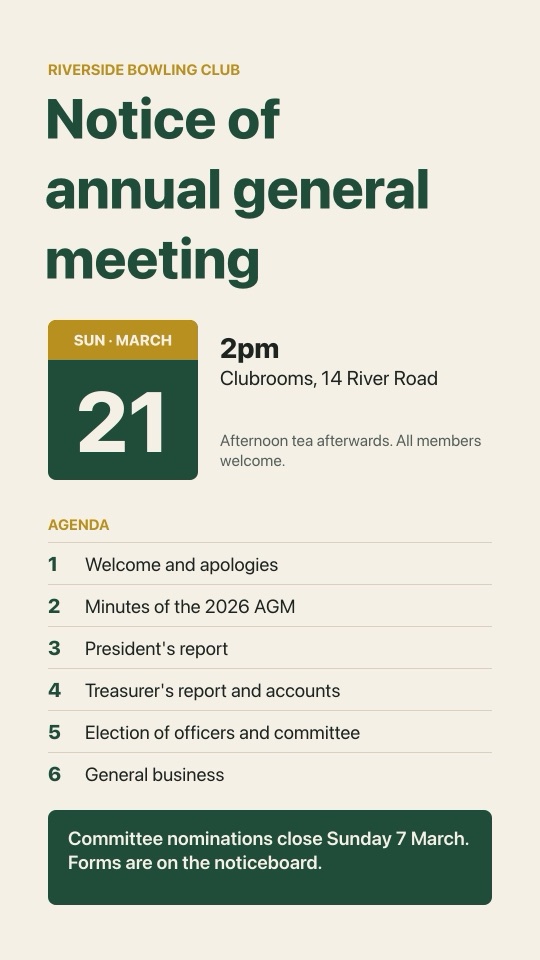 Club AGM noticeFormal AGM notice with a date tile, agenda and nominationsFreeportrait
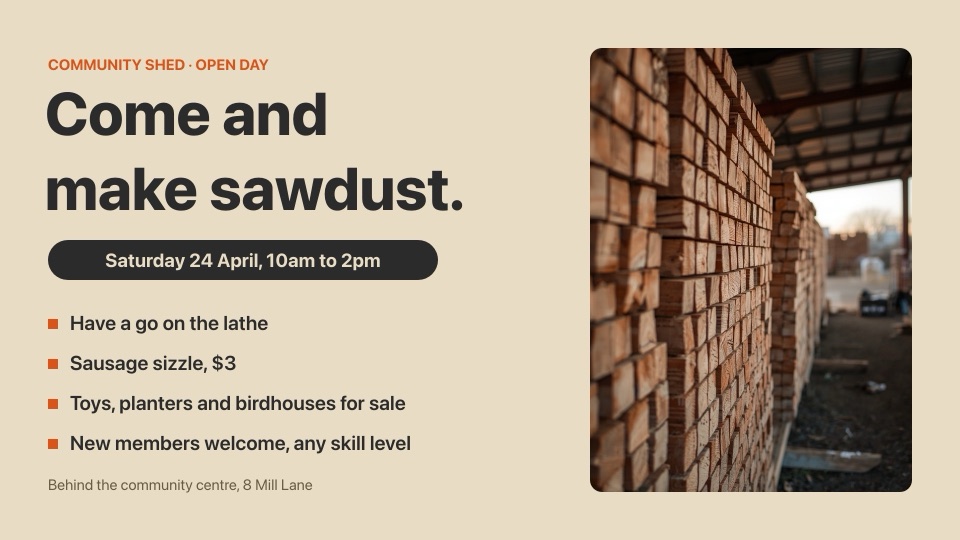 Community shed open dayWorkshop open day with a framed timber photo and what's onFreelandscape
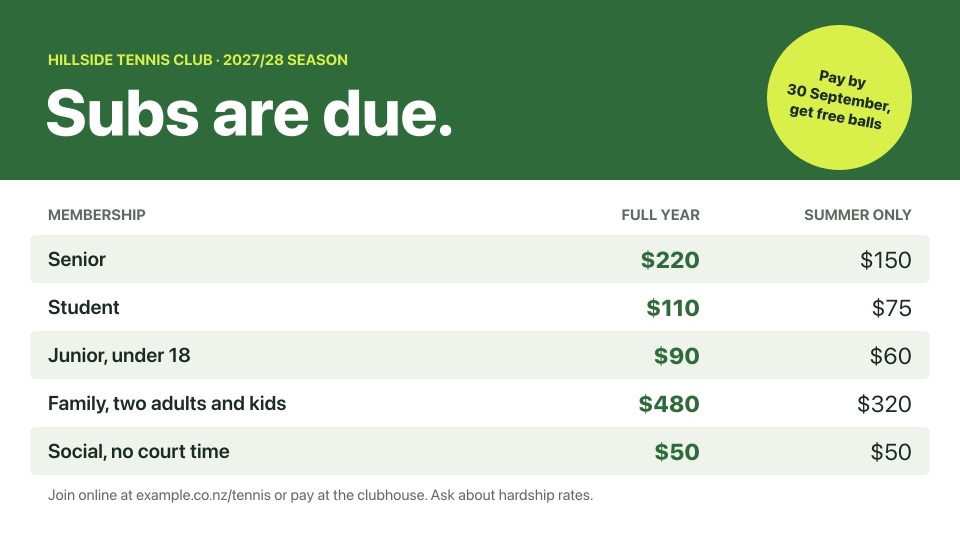 Club subs tableSeason membership prices by type, with an early-payment badgeFreelandscape
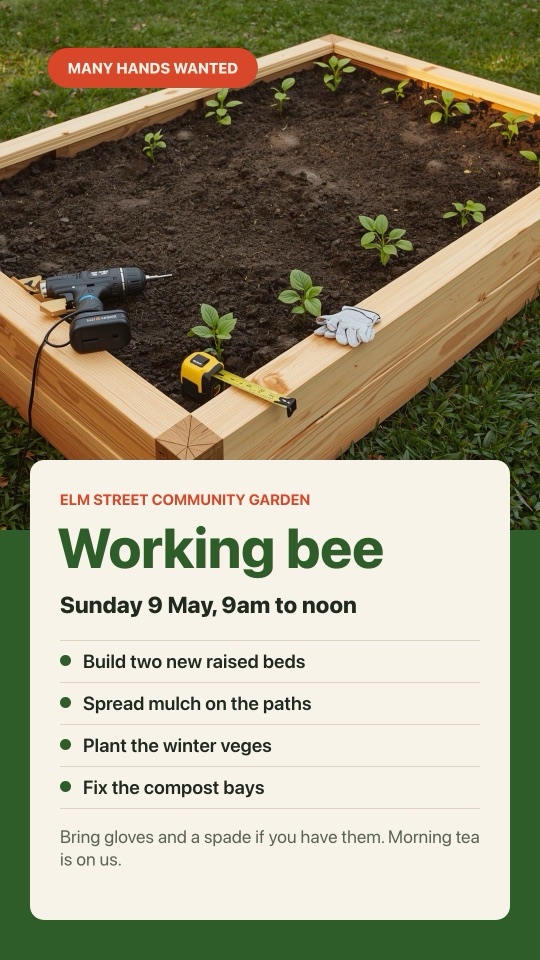 Garden working beeCommunity garden working bee with jobs list over a photoFreeportrait
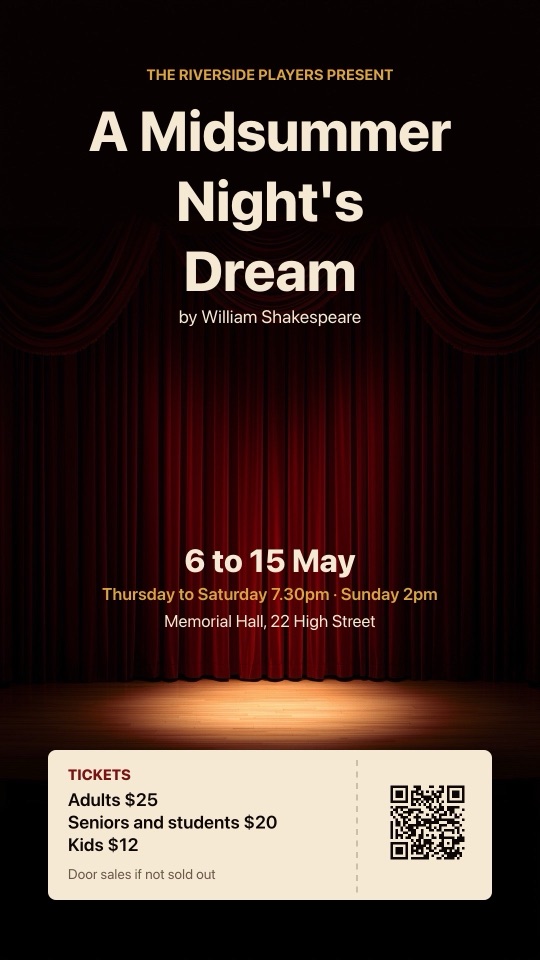 Community theatre showStage show poster over a curtain photo with a ticket stubFreeportrait
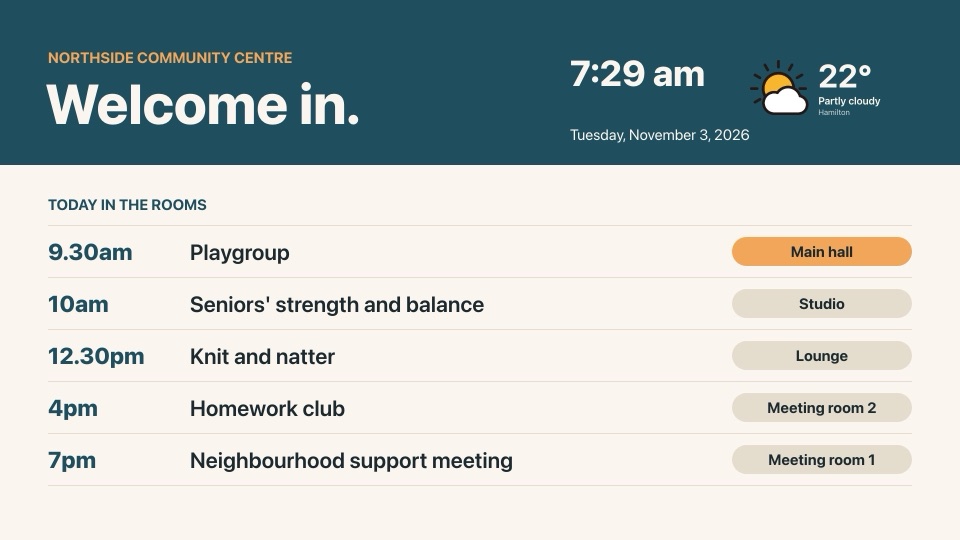 Today at the centreLobby welcome with today's room bookings, time, date and weatherFreelandscape
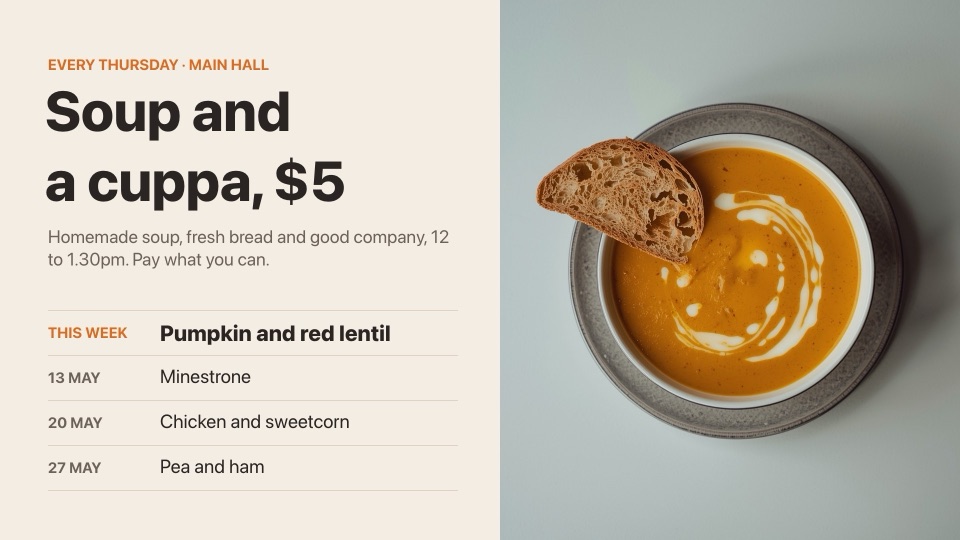 Thursday soup lunchWeekly $5 soup lunch with this week's soup and the next threeFreelandscape
How it works
- 1Choose a template and select Use this template.
- 2Sign in or create a free POMP account. The template opens in the screen designer.
- 3Change the words, swap in your photos and logo, and set your colours.
- 4Add it to a playlist and pair your TV. It's on screen in minutes and updates whenever you edit it.
More templates and ideas
- Google Calendar events
- Fundraiser screens
- Schools templates
- Universities and early learning templates
- Retail and shops templates
- Offices and workplaces templates
- Hospitals templates
- Dental clinics templates
- Doctors and medical centres templates
- Cafés and coffee shops templates
- Burger bars templates
- Pizza shops templates
- Takeaways templates
- Bars and brew bars templates
- Wineries and cellar doors templates
- Hotels and accommodation templates
- Gyms and fitness templates
- Restaurants templates
- Bakeries and dessert shops templates
- Supermarkets and butchers templates
- Hair and beauty salons templates
- Yoga, pilates and wellness templates
- Pharmacies templates
- Vets and pet stores templates
- Real estate templates
- Car dealers and mechanics templates
- Warehouses and factories templates
- Retirement villages and aged care templates
- Cinemas and entertainment templates
- Sports clubs templates
- Tourism and attractions templates
- Conferences and event venues templates
- Play centres and kids' activities templates
- Florists and garden centres templates
- Hardware and trade stores templates
- Bottle stores templates
- Banks, lawyers and accountants templates
- Travel agents templates
- Airports templates
- Bus, train and ferry stations templates
- Car parks and EV charging templates
- Pools and leisure centres templates
- Construction sites templates
- Service stations and convenience stores templates
- Coworking spaces templates
- Golf clubs and courses templates
- Holiday parks and campgrounds templates
- Charities and fundraising templates
- Food trucks and markets templates
- Optometrists and hearing clinics templates
- Laundromats and dry cleaners templates
- Churches and faith communities templates
- Apartment buildings templates
- Contact centres and KPI dashboards templates
- Ski fields and alpine resorts templates
- Zoos, aquariums and wildlife parks templates
- Bubble tea and dessert bars templates
- Childcare and early learning templates
- Student accommodation templates
- Fire, ambulance and police stations templates
- Farm supply and rural stores templates
- Furniture, homeware and jewellery templates
- Bike and outdoor stores templates
- Funeral homes templates
- Recruitment agencies templates
- Driving schools templates
- Tattoo and piercing studios templates
- Climbing and bouldering gyms templates
- Marinas, yacht and boat clubs templates
- Racecourses and race days templates
- Casinos and gaming venues templates
- Councils and service centres templates
- Libraries templates
- Museums and galleries templates
- Physio, chiro and allied health templates
- Stadiums and arenas templates
- Trampoline parks, bowling and arcades templates
- Music, dance and tutoring schools templates
- Social and support services templates
- Energy, utilities and mining templates
- Hostels and backpackers templates
- Breweries and taprooms templates
- Nightclubs and late-night venues templates
- Gaming lounges and esports templates
- Theatres and performing arts centres templates
- Self-storage templates
- Car washes and detailers templates
- Car and campervan rental templates
- Freight, courier and logistics depots templates
- Dog daycare, groomers and kennels templates
- Martial arts and boxing gyms templates
- Surf schools and surf shops templates
- Photography studios templates
- Staff canteens and cafeterias templates
- Caterers templates
- Bookshops templates
- Electronics stores and phone repair templates
- English language schools templates
- Skin and cosmetic clinics templates
- Medical labs and collection centres templates
- Print, copy and sign shops templates
- Shopping centres and malls templates
- Fashion boutiques and clothing stores templates
- Law firms templates
- Accountants and tax advisers templates
- Cinemas templates
- Garden centres and nurseries templates
- Furniture and homeware stores templates
- Christmas, Easter, New Year and Halloween templates
- Events and seasonal templates
Community template questions
Are these community templates free?
Yes. Every template is included on every POMP plan, including the free plan. Pick one, change the words, colours and photos, and play it on your screens.
Which screens can show them?
Any TV or display connected to an Apple TV, an Android TV or Google TV box, an iPad, or a web browser running the POMP web player. Landscape templates suit a normal TV; portrait templates suit a TV mounted on its side or a kiosk.
Can I use my own logo, colours and photos?
Yes. Templates open in the POMP screen designer, where you can replace photos with your own, change any colour, edit text and add your logo, QR codes, live weather, clocks and countdowns.
Do I need design skills?
No. The layouts are done for you, with text sizes chosen to read from across a room. Change the words and you're ready to go. You can also describe a screen to POMP AI and get a design in seconds.
Free templates, on screen in minutes.
Create a free POMP account, choose any community template and pair your first TV. No watermark, no credit card.